Playbook + audit scripts
Run AI Agents Safely on macOS
On 2 October 2026 Apple said Full Disk Access will soon need “very explicit user action”, citing the risks of AI agents. If your agents only work because your terminal or editor has broad access, get ahead of it now, without breaking your workflow.
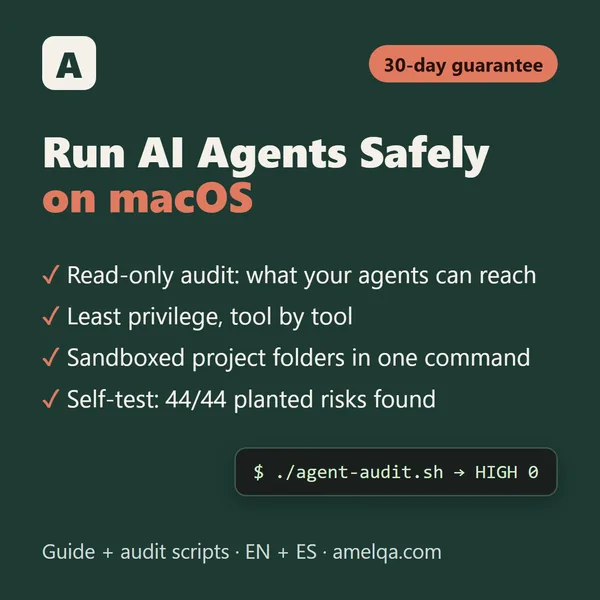
On most developer Macs, AI agents can reach far more than they need. Every agent you start in a terminal inherits that terminal’s permissions, can read the API keys exported in your ~/.zshrc and can open ~/.ssh. This kit shows you exactly what your agents can reach and walks you to least privilege, one finding at a time.
Who it’s for
Developers and anyone who runs AI agents on a Mac (coding agents in the terminal, agent modes in editors, desktop agents, MCP servers, n8n and local models), and IT folks who look after their clients’ Macs.
What is inside
- agent-audit.sh: a read-only audit for macOS 26 and 27: which app your agents inherit permissions from, whether your terminal has Full Disk Access, the agents running right now, settings that switch safety off, risky MCP server configs, API keys in plain files, agent servers open to your Wi-Fi and agents that start at login. Every finding has an ID, explained in the guide.
- agent-workspace.sh: one command creates a sandboxed project folder: Claude Code sandbox on, keys and browser data blocked, Codex in workspace-write with your keys kept from its commands, one MCP file server limited to that folder.
- with-keychain-env.sh: hand an API key from the macOS Keychain to one command, instead of exporting it to every agent.
- The guide (PDF): what Apple actually changed, with dated sources; how agents get access on a Mac; least privilege tool by tool; safe MCP setup; separate user, container or VM; fixing macOS 27’s new silent denials; and a reference of every finding.
- A one-page checklist to tick today and once a month.
Measured, not promised
- Self-test on a simulated Mac (macOS commands mocked, no network): 44 of 44 planted risks found, covering 34 of the 34 finding types, and 0 false alarms in 21 safe setups that must stay quiet.
- 111 of 111 checks passed on bash 3.2.57 and bash 5.2.15 (3.2.57 is the bash macOS ships).
- Secrets stay hidden: 7 fake keys planted, 0 shown in any output or report.
- Read-only means read-only: 0 files or permissions changed in 4 read-only runs. With --apply it made 6 changes, only after “y”, and its undo script restored all of them.
- No network, no sudo: 0 calls to curl, ssh, nc, sudo or interpreters (each one was a trap). shellcheck: 0 warnings in 5 scripts.
The self-test comes with the kit: one command, and you see every check pass or fail yourself.
Safe by design
- Read-only by default. No sudo. No network connection. Secrets are never printed: only their type, file, line and length.
- --fix only prints the suggested commands. --fix --apply offers a few reversible changes one by one, and writes an undo script first.
- Plain, commented shell for the bash 3.2 that ships with macOS; nothing to install. About 1,100 lines you can read before you run them.
What you need
A Mac with macOS 26 Tahoe or macOS 27 Golden Gate, and Terminal. It works with the agents you already use: coding agents in the terminal, agent modes in editors, desktop agents, MCP servers, n8n and local models.
Run AI Agents Safely on macOS
$19 one-time
30-day guarantee, no questions asked: if it isn’t right for you, for any reason, you get your money back. How refunds work.
Get it on GumroadYou may also like
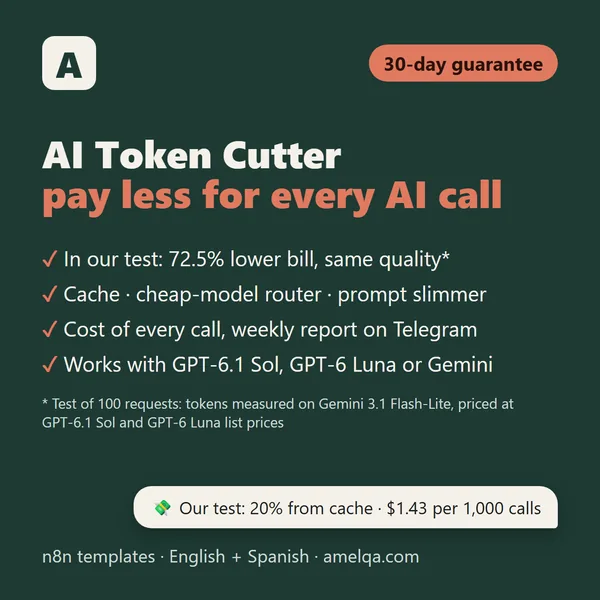 n8n templateAI Token CutterPay less for every AI call: cache, cheap-model router and cost meter. 59.5% fewer tokens in our 100-request test.$49
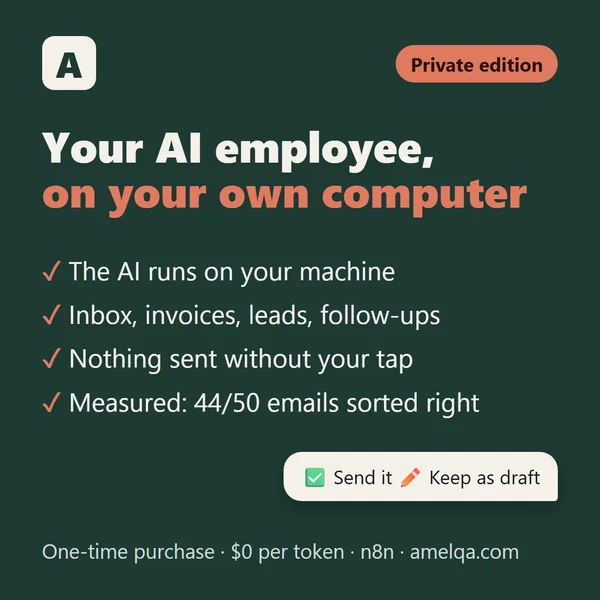 n8n template pack · local AIAI Employee · Private EditionAll 5 roles, with the AI on your own computer (Ollama or LM Studio). No AI cloud and no per-token bill.$199
 Free kit · 4 automationsFree AI kit for TelegramSummarise any link, turn voice notes into text, get a morning news digest and an alert when a website changes.Free
← All templates · amelqa.com home
For your own Macs and your clients’ Macs; reselling the files is not allowed. Not affiliated with Apple. Apple, macOS and the tools mentioned are trademarks of their owners and are named only to describe compatibility.